Desktop AI Agent
FreeMix
Ask FreeMix anything about Pro Tools, FL Studio, Ableton, Maschine, mixing, mastering, plugins, controllers, and the buttons you do not understand yet.
Ask FreeMix anything about Pro Tools, FL Studio, Ableton, Maschine, mixing, mastering, plugins, controllers, and the buttons you do not understand yet.
Whether you are opening Pro Tools for the first time, learning FL Studio, building in Ableton, or trying Maschine, Free Mix explains what tools do, what settings mean, and what to try next.
Ask what a compressor does, why your vocals sound thin, how to set BPM, how to use automation, or where to start inside your DAW.
Get beginner-friendly explanations for Pro Tools, FL Studio, Ableton, Maschine, plugins, mixers, MIDI controllers, and audio interfaces.
When something sounds wrong or a feature makes no sense, ask the agent and get a clear next step instead of losing hours searching videos.
Free Mix helps beginners understand what the software does, what the knobs mean, what the signal chain is doing, and how to make progress without feeling lost.
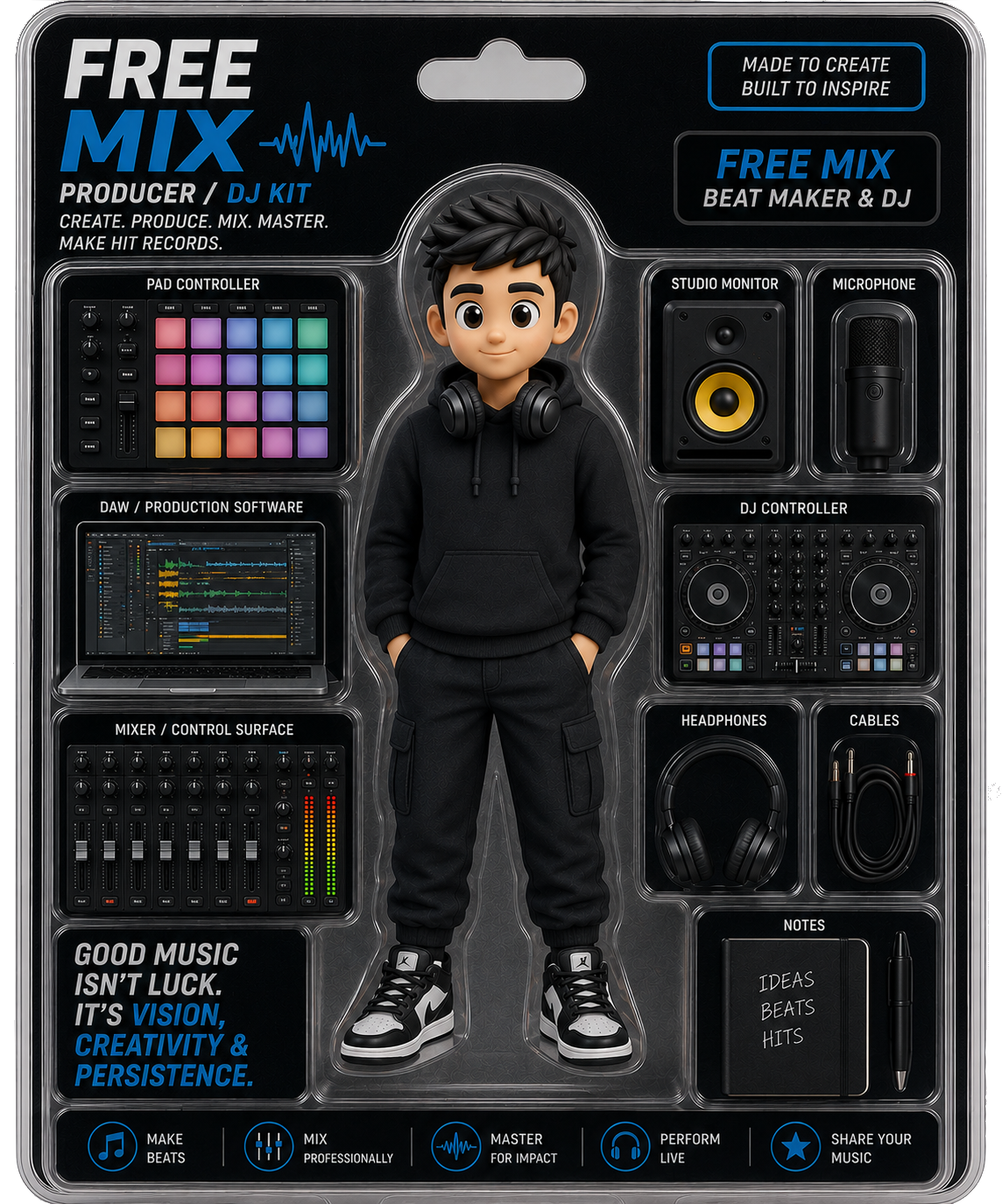
Install Free Mix on your desktop and keep a patient music coach beside you while you learn your DAW, make beats, record vocals, mix, master, and export.
For schools, studios, coaches, and brands that want a beginner-friendly AI music assistant.
Request Pro Version